
How to Back Up Your Data in Nigeria (2026): A Simple, Practical Guide
By Clarity Tech
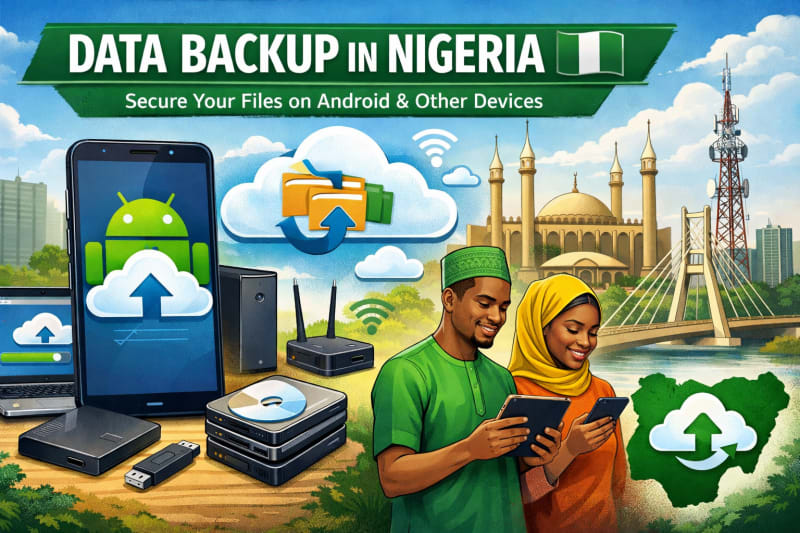
Losing data hits differently when you live in a place where power outages, device theft, accidental formatting, and hardware failure are part of everyday reality.
In Nigeria, many people only realize the importance of backups after something goes wrong, when photos are gone, school projects disappear, or business files are lost.
Backing up your data is not a “tech thing.” It is a survival habit for anyone who uses a phone, laptop, or cloud apps for work, school, or business.
This guide explains how to back up your data in Nigeria using simple, affordable, and reliable methods. Check out our reliable products if you are interested in good gadgets, Products.
What Data Backup Really Means
Data backup simply means making a second copy of your important files and storing it somewhere safe.
Your backup protects:
- Photos and videos
- School assignments and research
- Business documents and receipts
- Contacts and messages
- Design files and projects
- App data and settings
If your device gets damaged, stolen, or wiped, your backup becomes your recovery point.
Why Data Backup Is Very Important in Nigeria
Many people underestimate how often data loss happens until it affects them directly.
Common causes include:
- Sudden phone or laptop damage
- Theft of devices
- Virus or malware attacks
- Accidental deletion or formatting
- Software corruption after updates
- Power fluctuations affecting storage devices
- Lost memory cards or flash drives
In a fast-moving digital environment, one mistake can erase years of work.
Types of Data Backup You Can Use
There are three main ways to back up your data. Most people combine them for better protection.
1. Cloud Backup
Cloud backup stores your files online instead of on a physical device.
Popular cloud services include:
- Google Drive
- iCloud
- OneDrive
- Dropbox
Why cloud backup is useful:
- Accessible anywhere with internet
- Safe from theft or physical damage
- Automatic syncing on many devices
- Easy to restore files quickly
Challenges in Nigeria:
- Requires stable internet
- Free storage is limited
- Data costs may be high for large files
Still, cloud backup is one of the safest options available.
2. External Storage Backup
This involves saving your files on physical devices like:
- External hard drives (HDD/SSD)
- USB flash drives
- Memory cards
Advantages:
- No internet required
- One-time purchase cost
- Fast file transfer
- Full control of your data
Disadvantages:
- Can be lost or damaged
- Needs manual updating
- Not accessible remotely
Many students and professionals in Nigeria prefer this method because it is affordable and reliable offline.
3. Device Backup (Phone or Laptop Built-in Backup)
Most devices already include backup tools.
Examples:
- Android backup via Google account
- iPhone backup via iCloud
- Windows backup tools
- macOS Time Machine
Benefits:
- Easy setup
- Automatic backups
- Integrates with your device system
Limitation:
- Often depends on cloud storage
- May require paid storage plans
How to Back Up Data on Android Phones
Most Nigerians use Android devices, so this is the most important section. We have some high performance laptops you will like such as Lenovo ThinkPad E15 Gen 4 Laptop.
Steps:
- Go to Settings
- Select “Google”
- Tap “Backup”
- Turn on “Back up to Google Drive”
- Select data types (apps, contacts, photos, etc.)
- Connect to Wi-Fi for full backup
Your phone will automatically sync your data regularly.
How to Back Up Data on iPhones
For iPhone users:
Steps:
- Open Settings
- Tap your Apple ID
- Select iCloud
- Tap iCloud Backup
- Turn on “Back Up This iPhone”
- Connect to Wi-Fi and power
Your data will be stored securely in iCloud.
How to Back Up Files on Windows Laptop
Windows users can back up data in multiple ways.
Using OneDrive:
- Sign in with Microsoft account
- Enable OneDrive sync
- Select folders to back up
Using File History:
- Go to Control Panel
- Click “File History”
- Choose external drive
- Turn on automatic backup
This helps protect documents, desktop files, and pictures. As you explore how to backup your data, checking out Dell Pro Max 18 Plus – Intel Ultra 7 is a perfect move.
How to Back Up Files on MacBook
macOS has a built-in backup system called Time Machine.
Steps:
- Connect external drive
- Open Time Machine settings
- Select backup disk
- Turn on automatic backups
It creates full system backups you can restore anytime.
Best Backup Strategy for Nigerians
The safest method is not relying on just one option.
A smart combination is:
- Cloud storage for daily files
- External drive for large or offline backups
- Automatic device backup for recovery
This is called a 3-layer backup system, and it reduces the risk of total data loss.
How to Back Up Business Data in Nigeria
If you run a business (POS, online store, freelancing, etc.), your data is even more valuable.
You should back up:
- Customer records
- Financial transactions
- Receipts and invoices
- Product listings
- Marketing content
Recommended approach:
- Daily cloud sync
- Weekly external drive backup
- Monthly full archive backup
Business data loss can cost money directly, so consistency matters.
Common Backup Mistakes to Avoid
Many people still lose data even after trying to back it up.
Avoid these mistakes:
- Relying on only one backup method
- Not updating backups regularly
- Storing backup drive in the same place as your device
- Ignoring cloud storage limits
- Forgetting to test recovery process
A backup is only useful if it actually works when needed.
How Often Should You Back Up Your Data?
It depends on how often your data changes:
- Daily users (students, freelancers): daily or automatic backup
- Business users: daily backup
- Casual users: weekly backup is fine
The more important your data, the more frequent your backups should be.
Conclusion
Backing up your data in Nigeria is not optional, it is essential. With the reality of device theft, power instability, and hardware failure, your files are always at risk.
The good news is that modern tools make backups easier than ever. Whether you use cloud storage, external drives, or built-in device backup systems, the most important thing is consistency.
A simple habit of backing up your data today can save you from losing years of work tomorrow.